AI mockups · circling beats guessing
When a buyer asks "can you make it in this color?", you don't need to physically produce it to find out. Circle the part, attach the reference color, and get a mockup that holds up to scrutiny in minutes — pixel-identical everywhere else, and far more convincing than anything a text-only AI chat tool can guess its way to.
No signup for 3 free variants · works on any product photo
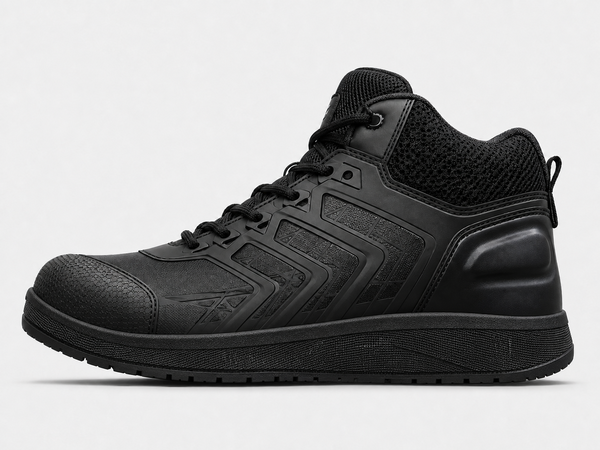
Mark what to change; your notes collect here.
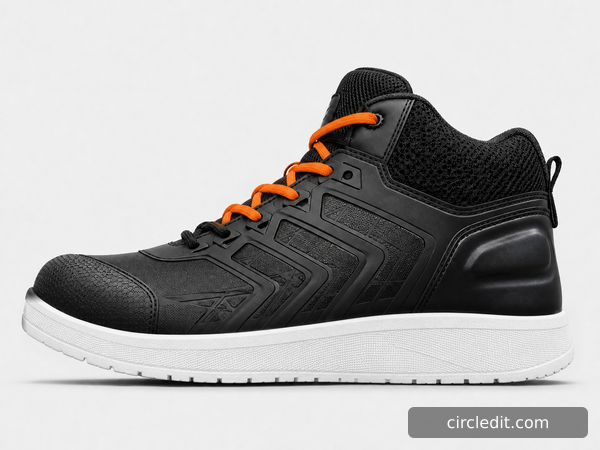
Laces → safety orange
Sole → white, match this pair
Why annotation, not chat
Chat-based AI editor
Two guesses per request: which part, which shade.
Circledit
You pin the where and the what — nothing left to guess.
A chat-based editor only has your words to work with — it has to guess which region you mean and which exact shade, and it redraws the whole image doing it, so everything else drifts a little too. That's fine for a casual edit. It's not fine when the picture has to convince a buyer this is what the real product will look like. Circledit removes both guesses — the region is exactly what you circled, the color is exactly what you referenced — and restores everything else from your original file, pixel for pixel. That's what makes the output trustworthy enough to quote from, not just a cool AI edit.
How it works
Three steps, every time — whether you're changing one part or ten.
1 · Upload your hero shot
One clean product photo is all you need — the same one you'd already use for a listing.
2 · Circle each part, say the color
Box the laces, box the sole, box anything else that changes. Attach a reference swatch if you have one — it beats describing a color in words.
3 · Generate once, get every part changed
One generation resolves every circled region. Run it again for the next colorway — everything you didn't circle stays pixel-identical.
→
Real Circledit output · two circled regions, two instructions, one generation · stitching, texture, and background untouched
What it does
→
01
Circle the laces, the sole, the strap — each with its own instruction — and resolve all of them in a single generation. Not five edits stitched together after the fact.
02
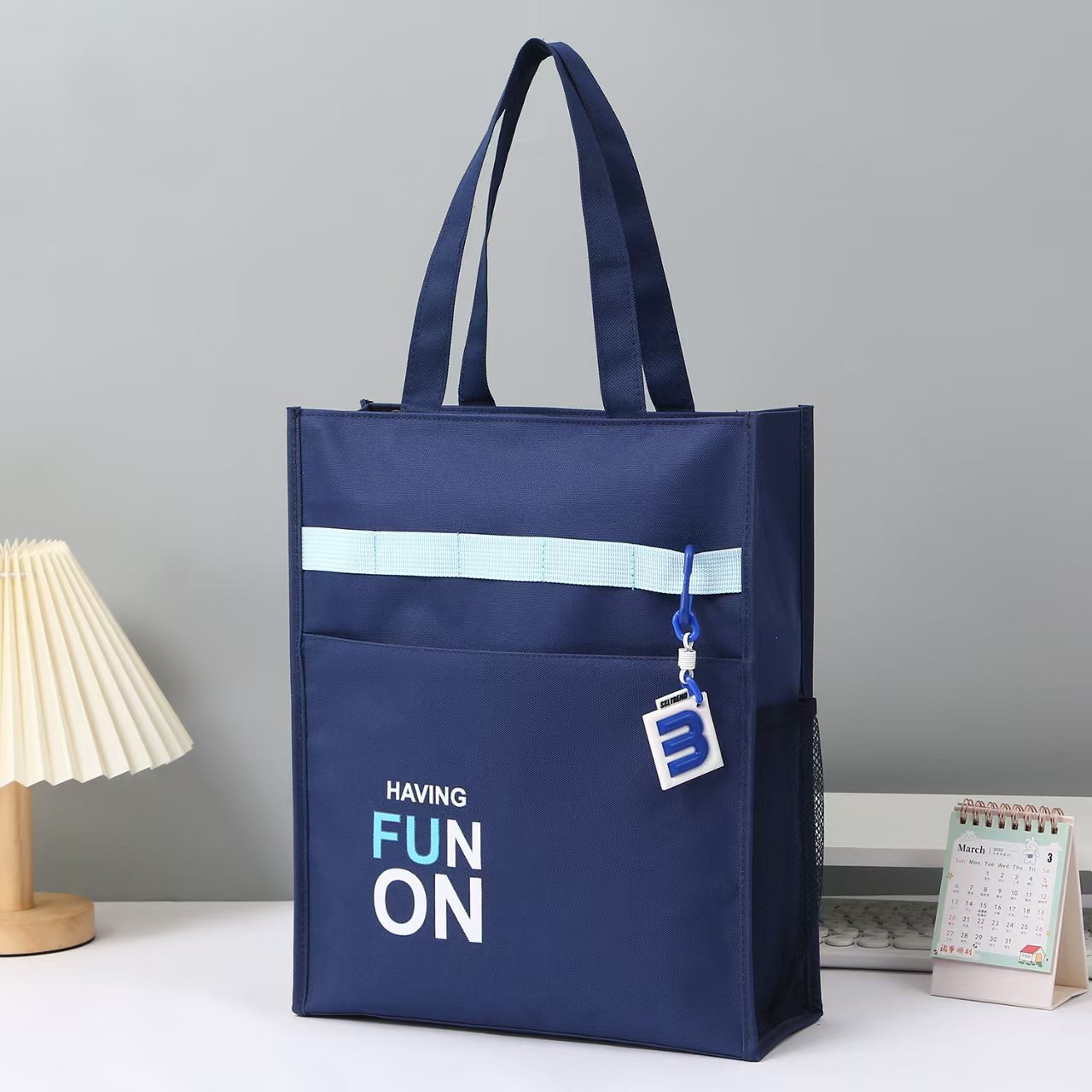
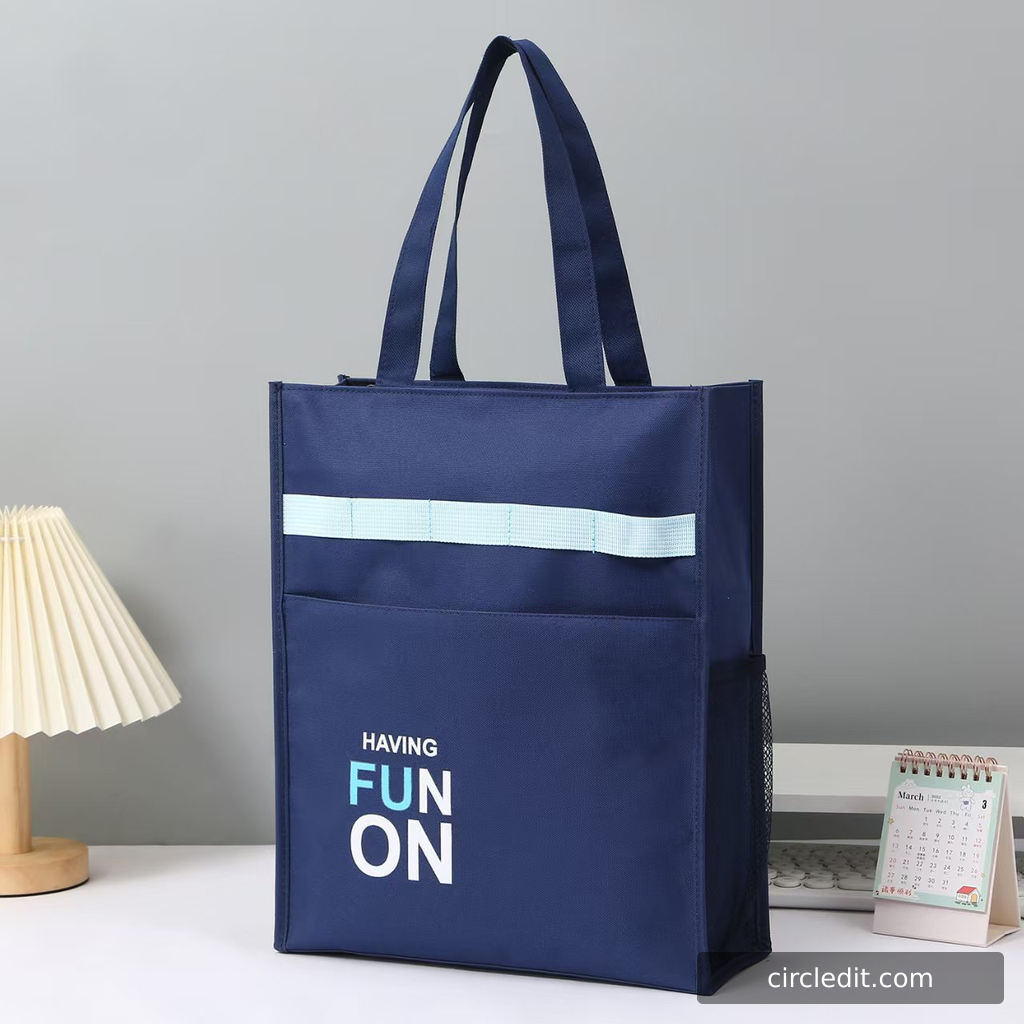
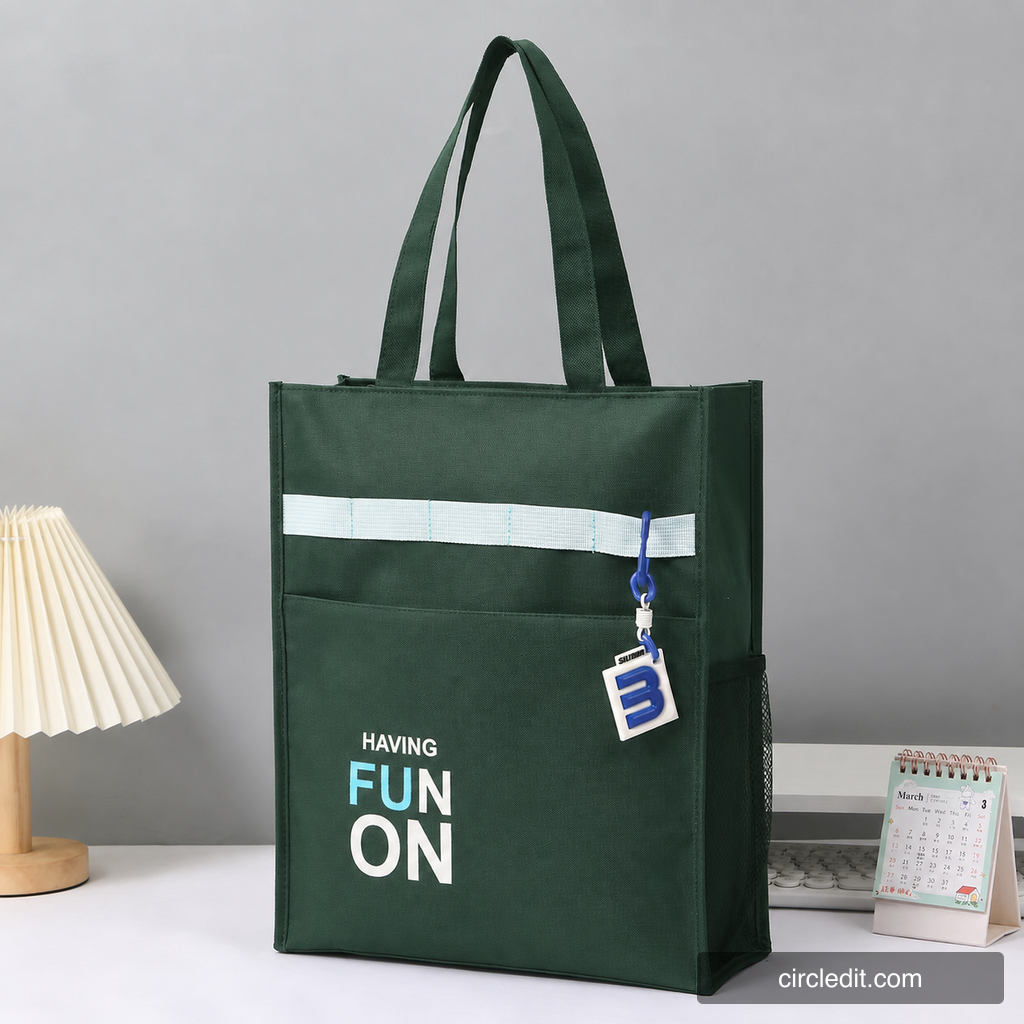
Attach a reference photo or a color swatch to any circled region. “This exact orange” beats three sentences describing orange — and it's what buyers actually compare your variant against.
→
03
Outside your circles, nothing is approximated — it's restored from your original file, pixel for pixel. Run the same photo through ten colorways and the stitching, the shadow, the background stay identical across all ten.
04
No reshoot, no studio booking, no compositing between rounds. Upload once, circle each part once, generate as many colorways as your line needs.
Who it’s for
Factories, private-label brands, and the sellers who run their own listings — whether it's a new colorway a buyer is asking about before you've sampled it, or a variant you already stock, if your product photo has to come back for every colorway or material, this is built for you.
→
Multiple parts, one generation
A shoe isn’t one surface — it’s laces, sole, panels, stitching. Circle each part with its own instruction and get the whole variant in a single pass, not five separate edits to reconcile.
→
The exact color, not close enough
Attach the Pantone or fabric swatch you already have and Circledit matches it — because “close enough” doesn’t fly when a buyer holds your sample next to the listing photo.
Pricing
Every AI edit costs real compute money, so the free tier is capped and the paid tiers are generous. No credit roulette, no dark patterns.
$0
$9.9/mo
Prices final at launch · taxes handled at checkout · cancel anytime
Questions
ChatGPT only takes your words — it has to guess which region and which exact shade, then redraws the whole image doing it. Photoshop’s AI lives inside Creative Cloud, with Creative Cloud pricing and a learning curve. Circledit removes the guessing: circle the exact region, attach the exact reference color, and only that region changes. If your edit is casual, ChatGPT is fine. If the result has to hold up in front of a buyer, you need the guessing gone.
No. Your uploads are never used to train any model. Images are deleted from our servers within 30 days, and you can delete them instantly anytime. Your product photos are your business, not our dataset.
Yes. Everything you generate is yours to use in listings, ads, catalogs — anywhere. (Standard terms apply: don’t use it for anything illegal or deceptive.)
Because every edit costs us real GPU money. Opening the doors gradually keeps the free tier genuinely free — instead of quietly degraded the way “unlimited” tools end up. First in line, first to edit.
Any. English, 中文, Español, العربية, Tiếng Việt — the AI reads them all. The interface itself ships in English and Chinese.
14 days, no questions asked. Email us and we’ll refund your latest payment. Subscriptions can be cancelled anytime and stay active until the period ends.
Join the waitlist — first in, first edits. Early members lock launch pricing.
We email you once at launch. No spam, ever.
✓ You’re on the list — your mail app just opened to confirm.